Drivers do not need another app
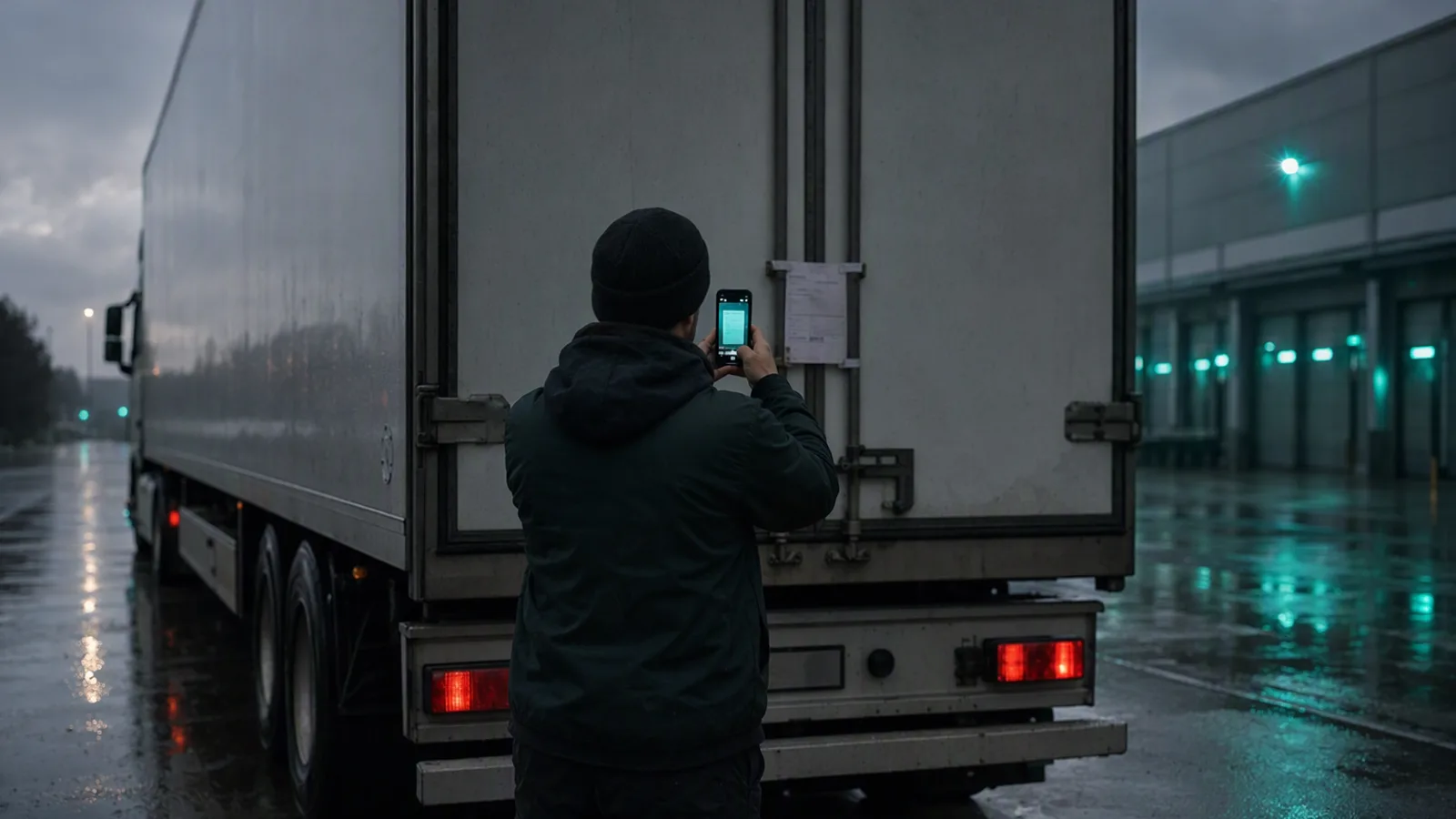
Every transport software project sooner or later produces a driver app. It has a login, a list of jobs, a status button for every stage, a delivery form, a camera screen that wants the document flat and in good light, and a sync that works best on a signal the driver does not have.
Six months later the office is receiving photos on a messaging app again, and the driver app is used by the two drivers who like apps.
Why driver apps get abandoned
The driver is working. At a loading bay the driver is dealing with a warehouse, a queue, paperwork, straps and a slot. Five taps through a form is not a small thing at that moment. It is one more thing.
Logins expire. A password reset on a phone, in a cab, in another country, with the office closed, ends with the app never being opened again.
Phones and drivers change. Drivers change phones, change employers, use their own devices and read different languages. Software that has to be installed, configured and learned is a small project every time somebody joins.
For a forwarder, the driver is not yours. A subcontracted carrier’s driver has never heard of your app and has no reason to install it for one load.
Statuses are for the office, not the driver. Most of the taps an app asks for — arrived, loading, loaded, departed — are information the office wants. They are asked of the person with the least time to give them, who should not be tapping anything while driving in any case.
What drivers already do
Drivers already send things. A photo of the signed delivery note. A photo of the CMR. A short message: unloaded, waiting at the gate, stuck at the border, two pallets refused. They send it through whatever they already use, to whoever they already know.
That is not a lack of discipline to be corrected. It is the most reliable data channel in the company, and the only one that works with every driver from the first day.
Accept what arrives
The software’s job is to take what drivers already send and do the filing itself.
A photo is a document. Crooked, taken in a dark bay, with a thumb in the corner. It should be read for the reference, the date and the signature, and attached to the load it belongs to — from the number on the paper, the driver who sent it, the time, and the loads that driver has open.
A short message is a status. “Unloaded” from a driver with one open delivery means that delivery is done. It does not need to be a button.
Ask the office, not the driver. When the match is unclear, the question goes to somebody at a desk, who can settle it in a second. A driver should not be asked to type a reference number into a phone.
Never make anything wait on the driver. If the photo is unreadable, the office asks for another one. If a status is missing, the office can see that and call. Nothing further down the process should depend on every driver completing every step in an app.
Where an app still helps
A simple app is tidier: photos go straight to the right place, nothing gets lost among holiday pictures, and the driver can see the next address without phoning. For drivers who want it, it is better. The mistake is building a system that only works if every driver uses it.
Why we build it this way
Drivers are the people closest to the documents that decide when a company gets paid. A system that makes their part harder in exchange for tidier data in the office has the trade the wrong way round.
So the starting point here is the photo a driver already sends, with an app as an option on top. The filing is the software’s job, and when it is not sure, it asks somebody at a desk.
- drivers
- documents
- mobile
- workflow